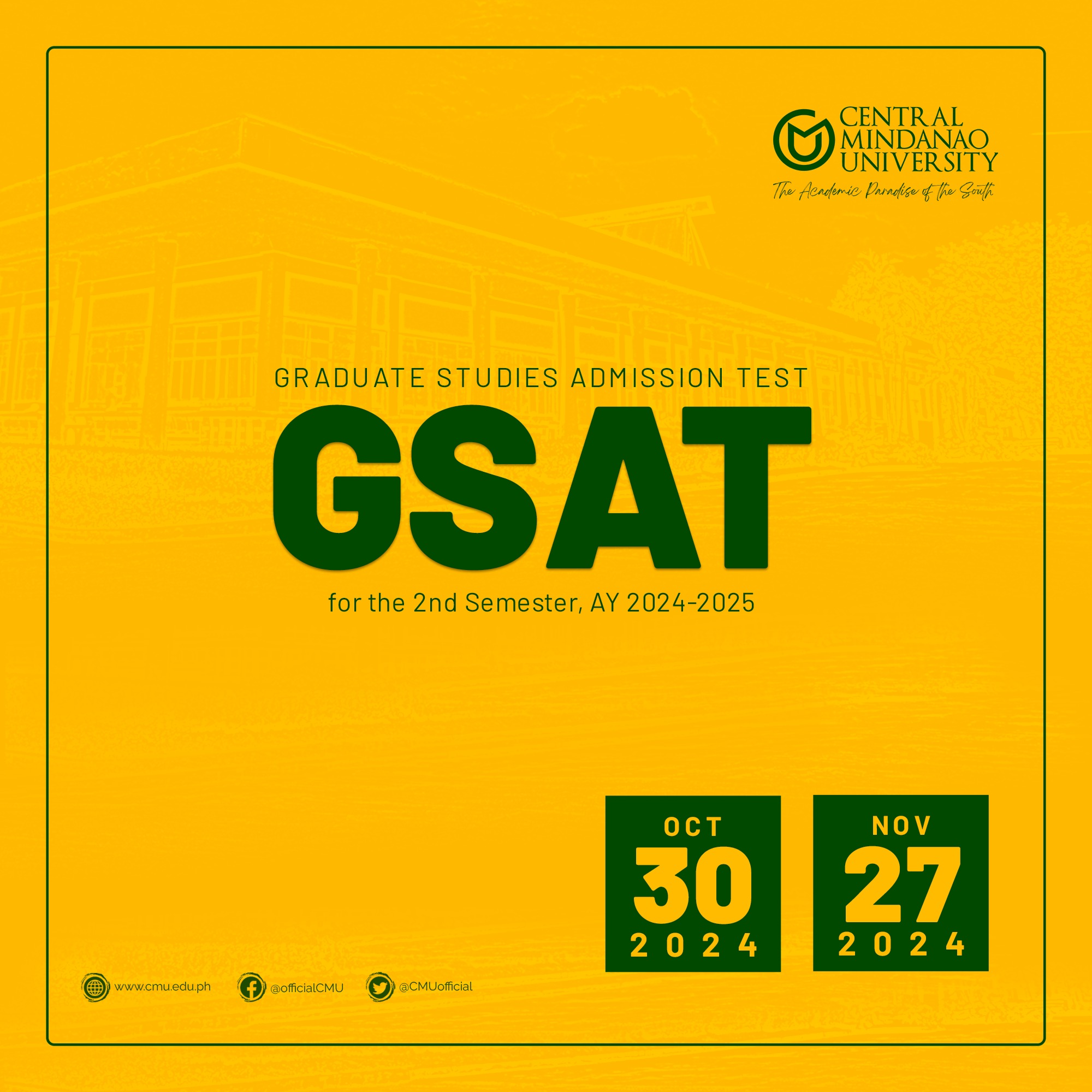


𝗥𝗲𝘀𝗰𝗵𝗲𝗱𝘂𝗹𝗲𝗱: 𝗚𝗿𝗮𝗱𝘂𝗮𝘁𝗲 𝗦𝘁𝘂𝗱𝗶𝗲𝘀 𝗔𝗱𝗺𝗶𝘀𝘀𝗶𝗼𝗻 𝗧𝗲𝘀𝘁 𝗳𝗼𝗿 𝟭𝘀𝘁 𝗦𝗲𝗺𝗲𝘀𝘁𝗲𝗿 𝗔𝗬 𝟮𝟬𝟮𝟱–𝟮𝟬𝟮𝟲
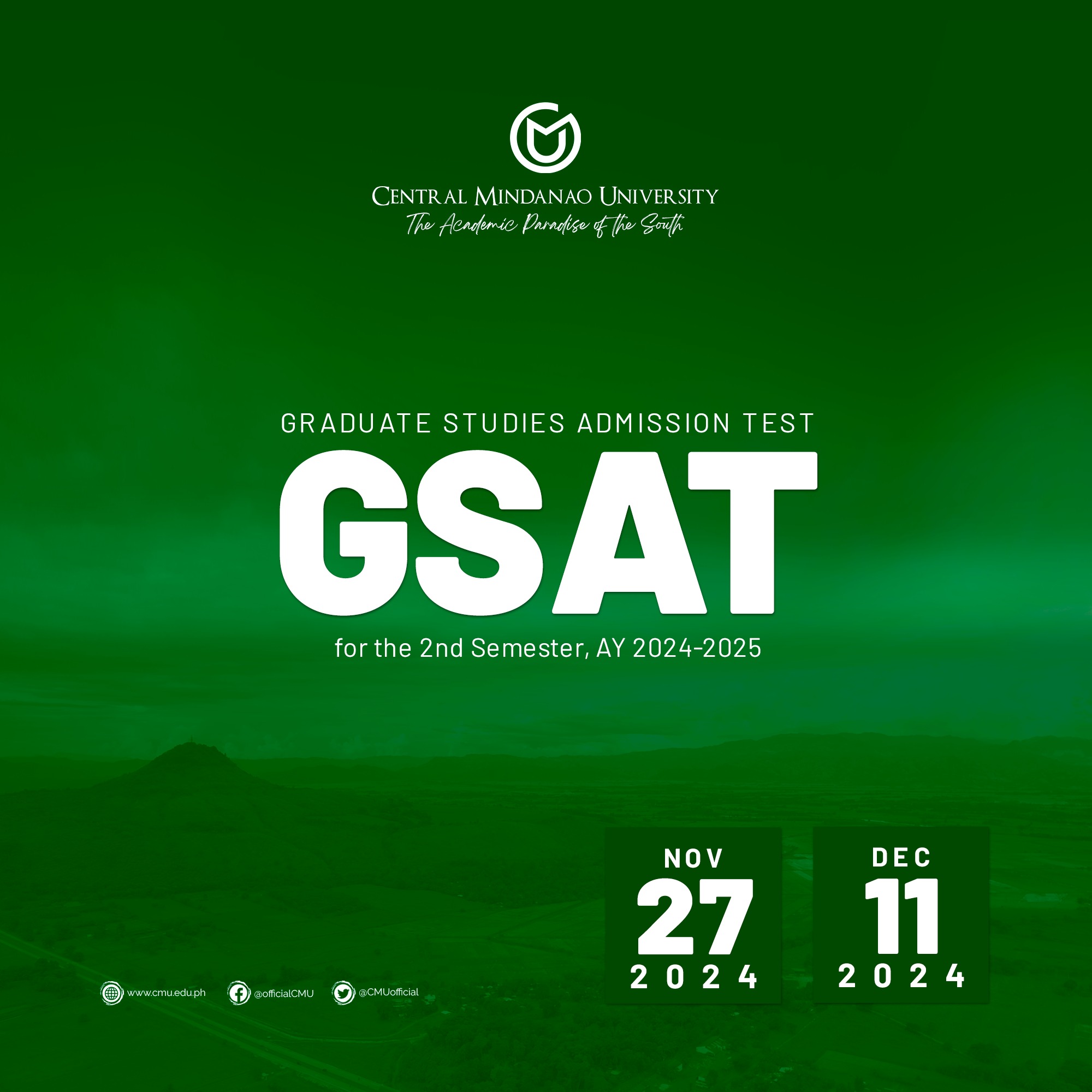
[ANNOUNCEMENT] 𝗥𝗲𝘀𝗰𝗵𝗲𝗱𝘂𝗹𝗲𝗱: 𝗚𝗿𝗮𝗱𝘂𝗮𝘁𝗲 𝗦𝘁𝘂𝗱𝗶𝗲𝘀 𝗔𝗱𝗺𝗶𝘀𝘀𝗶𝗼𝗻 𝗧𝗲𝘀𝘁 (𝗚𝗦𝗔𝗧) 𝗳𝗼𝗿 𝟭𝘀𝘁 𝗦𝗲𝗺𝗲𝘀𝘁𝗲𝗿 𝗔𝗬 𝟮𝟬𝟮𝟱–𝟮𝟬𝟮𝟲

Please be informed that the GSAT originally scheduled for July 30, 2025, has been moved to 𝗝𝘂𝗹𝘆 𝟮𝟯, 𝟮𝟬𝟮𝟱.
****
If you have not registered yet, please take note of the following important steps and reminders.
IMPORTANT: You can only register once. Kindly double-check your entry before submission. And please take the examination on the scheduled date.
[1] Go to the Doorstep Homepage https://sis.cmu.edu.ph/doorstep/
[2] Click “Register”
[3] Please see “What test do you want to take?”
[4] Click “GSAT”
[5] Click “Apply Online”
[6] Click “Proceed to GSAT Online Application”
[7] Fill out the Application Form
*Kindly double-check to ensure that all the information you have provided is true and correct, as information can no longer be edited by any means.
[8] Click “Submit”
*Wait for an Application Number that will pop up and secure a screenshot of it.
+++
Requirements:
• Register at https://sis.cmu.edu.ph/doorstep
• Non-refundable 400.00 pesos testing fee must be paid over the counter at the CMU Cashier’s Office
• Photocopy of TOR
• 1 pc 1×1 ID Picture
++++
UPDATED STEPS for ONLINE PAYMENT of Tuition and Other School Fees via LANDBANK (Link.BizPortal)
[1] Link.Bizportal
[2] Type ‘Central Mindanao University’ as the merchant for your payment.
[3] Select a TRANSACTION
[4] Fill- out the TRANSACTION DETAILS
[5] Fill out the PAYMENT DETAILS
[6] Print the Receipt